Settings
Open Settings with ⌘, or the gear button in the toolbar. It has eight sections; each is described here with every setting in it. Settings are yours alone: an AI assistant can read some of them, never change them.
General
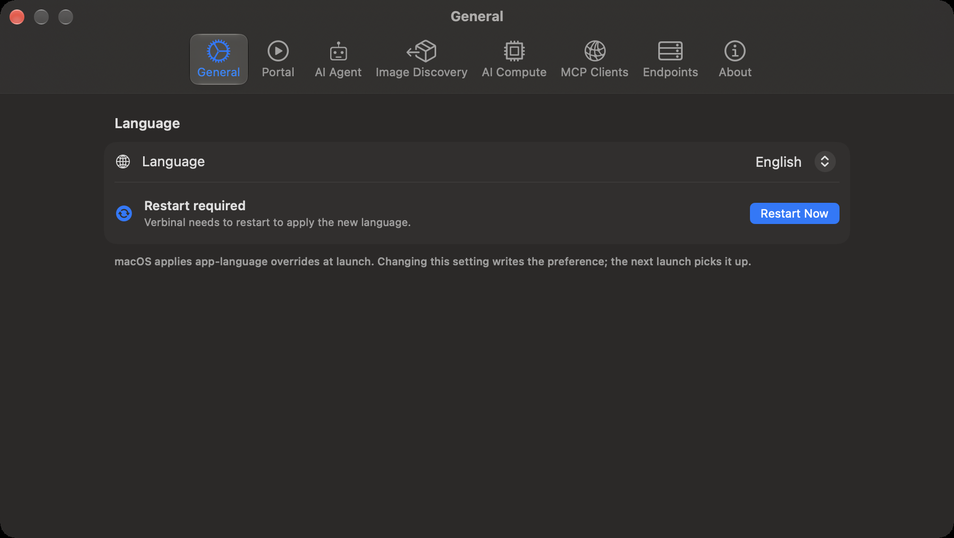
| Setting | What it does |
|---|---|
| Language | System follows your Mac; or choose English or Français. Verbinal shows Restart required: click Restart Now to apply it. |
Portal
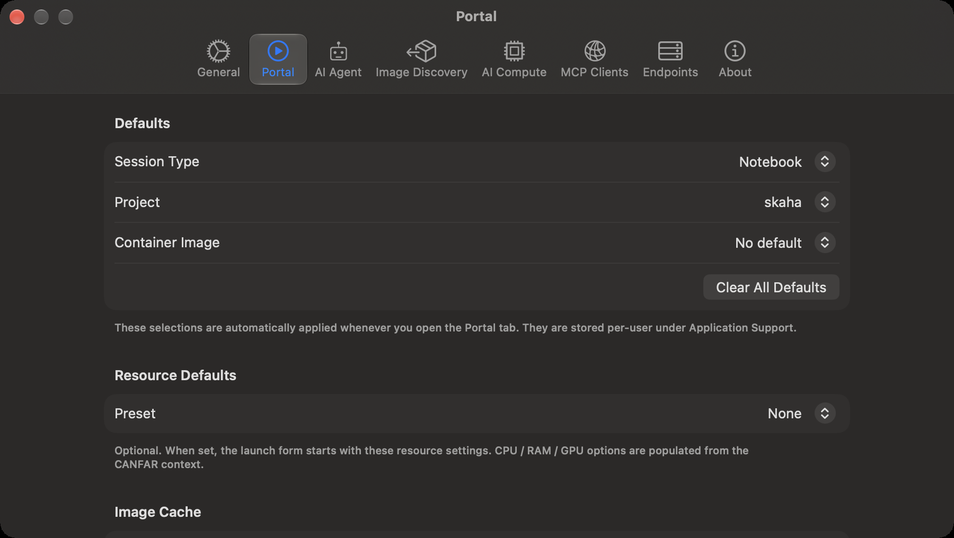
The defaults the launch form starts with (see Portal: sessions). Sign in to change them; they are kept for your account on this Mac.
| Setting | What it does |
|---|---|
| Defaults ▸ Session Type | The type the form opens on, from the types CANFAR offers (Notebook, Desktop and so on), or No default. |
| Defaults ▸ Project | The image project the form opens on, or No default. |
| Defaults ▸ Container Image | The image the form selects, or No default. |
| Clear All Defaults | Forgets the defaults above for this account. |
| Resource Defaults ▸ Preset | None, Flexible or Fixed. With Fixed, choose Cores and RAM (GB), and GPUs when CANFAR offers them. The sizes offered come from CANFAR. |
| Image Cache | When the list of images was fetched (Cached …). Refresh Now fetches the image catalogue again; Clear Cache deletes it, and the next time Portal opens it is fetched again. |
AI Agent
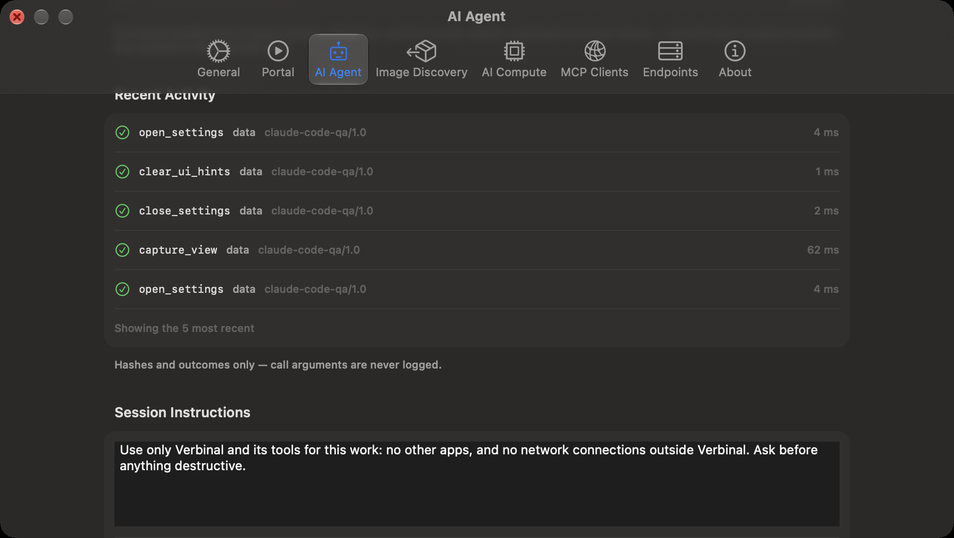
How AI assistants reach Verbinal and what they may do. Working with an AI assistant explains each part.
| Setting | What it does |
|---|---|
| MCP Server ▸ Allow external AI agents | Off until you turn it on. On, it starts the local MCP server; the line below says Listening, with where. |
| What an assistant may do without asking | For each kind of change, Allowed or Ask me. What every assistant is told is Always asks. |
| What removes, replaces or stops | The same, for the kinds that remove or stop something. Restore Defaults puts every kind back. |
| Autonomy ▸ Follow agent activity | The window goes where an assistant's change shows. On. |
| Autonomy ▸ Show activity snackbar | A banner at the top of the window while an assistant works. On. |
| Autonomy ▸ Play a sound when an agent starts and stops | Off. |
| Diagnostics | How many assistants are connected, and how many tools are registered. |
| Activity History | A short summary of each change and view an assistant made; Clear empties it. |
| Recent Activity | The last five calls: what each was and how it ended, never its arguments. |
| Session Instructions | What every new session's approval window starts with, up to 250 words; Reset restores Verbinal's own. |
| Session Logs ▸ Show Session Logs… | Every assistant session, what happened and why. |
The kinds and Autonomy show while Allow external AI agents is on, and the sections from Diagnostics to Recent Activity while the server runs.
Image Discovery
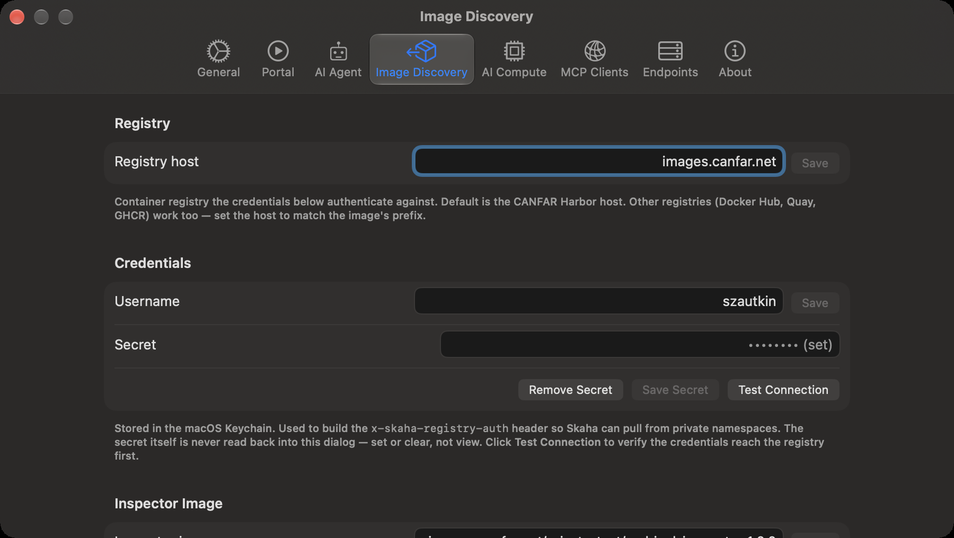
What Image Discovery needs to look inside private images.
| Setting | What it does |
|---|---|
| Registry ▸ Registry host | The container registry your credentials are for. By default, CANFAR's (images.canfar.net); Docker Hub, Quay or GHCR work too, with the host that matches the image's name. Save. |
| Credentials ▸ Username | Your registry user name, usually your CADC username. Save. |
| Credentials ▸ Secret | Your registry secret: for CANFAR's registry, the CLI secret of your Harbor user profile, not your CADC password. Save Secret keeps it in the macOS Keychain; it is never shown again, only replaced or removed (Remove Secret). |
| Test Connection | Checks the credentials with the registry. Connection rejected most often means a CADC password was used instead of the Harbor CLI secret. |
| Inspector Image | The image that runs the probe jobs. Leave it empty for Verbinal's own. |
| Image Discovery Cache | How many images have been looked into. Clear forgets them all; probes still running carry on. |
| Reset to Defaults | Clears the registry host, username, secret and inspector image; what is cached stays. |
AI Compute
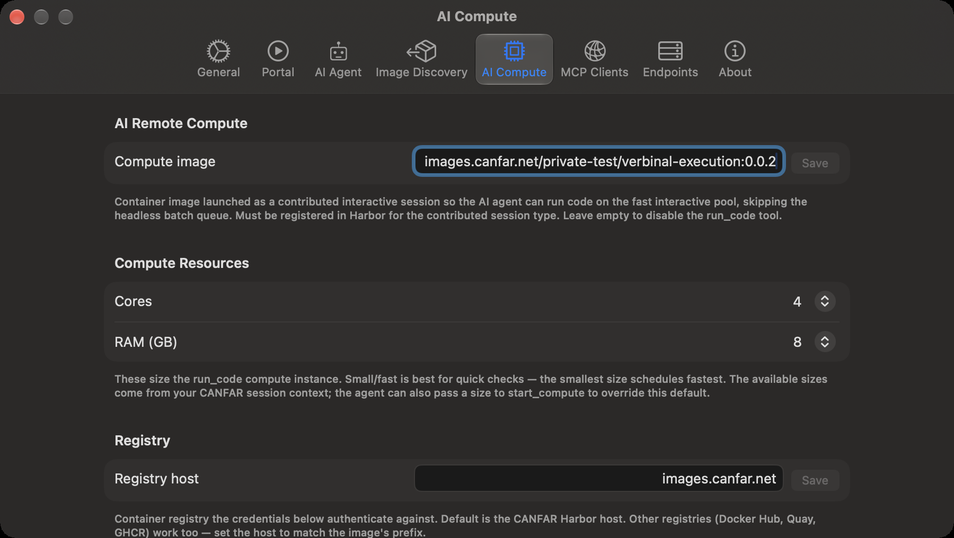
The session Remote Compute runs code in.
| Setting | What it does |
|---|---|
| AI Remote Compute ▸ Compute image | The container image Remote Compute launches as a contributed session, for example images.canfar.net/<project>/verbinal-execution:<version>. It must be registered in CANFAR's registry for the contributed session type. Empty, Remote Compute is off. Save. |
| Compute Resources ▸ Cores, RAM (GB) | The size of that session. The smallest starts fastest; the sizes offered come from CANFAR. |
| Registry and Credentials | As in Image Discovery: the registry the compute image is pulled from, and your username and secret for it. |
| Reset to Defaults | Clears the compute image, the registry host, the username and the secret. |
MCP Clients
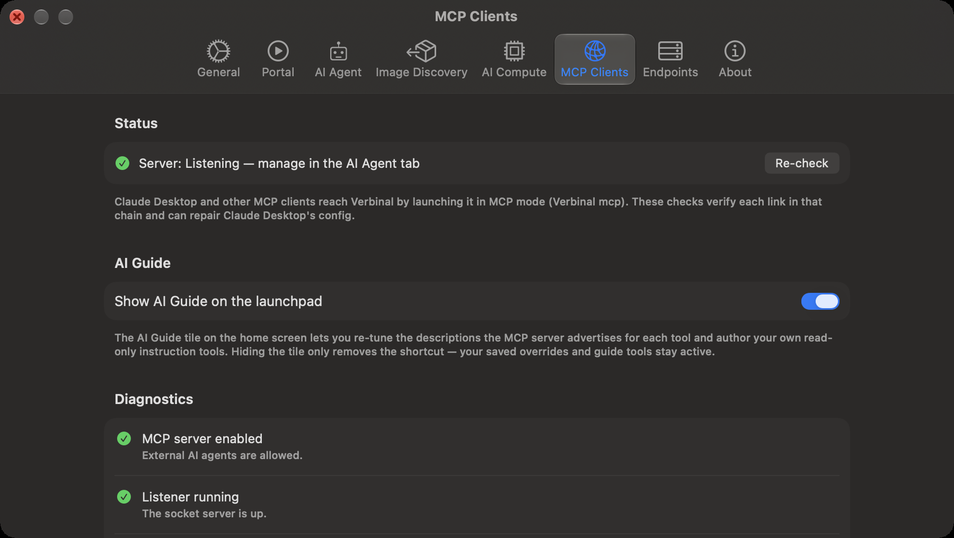
How each assistant program reaches Verbinal.
| Setting | What it does |
|---|---|
| Status | Whether the server is listening; it is turned on and off in AI Agent. Re-check reads it again. |
| AI Guide ▸ Show AI Guide on the launchpad | Shows or hides the AI Guide tile on Home. Your guides stay in force either way. |
| Diagnostics | Checks each link between an assistant and Verbinal when you open the tab, each with a fix where there is one. |
| MCP Server Self-Test | Run MCP Server Check checks that the server answers. The final proof is restarting your client and seeing Verbinal's tools. |
| Claude Desktop Configuration | Configure Claude Desktop adds Verbinal to Claude Desktop's configuration in one click. Grant Access…, Update Config, Copy Snippet, Reveal Config and Open Claude do it by hand. Restart Claude Desktop afterwards. |
| Claude Code | Whether Claude Code is installed. Copy Command copies the claude mcp add command for this Mac; Copy JSON Snippet copies the entry to paste into ~/.claude.json. |
Endpoints
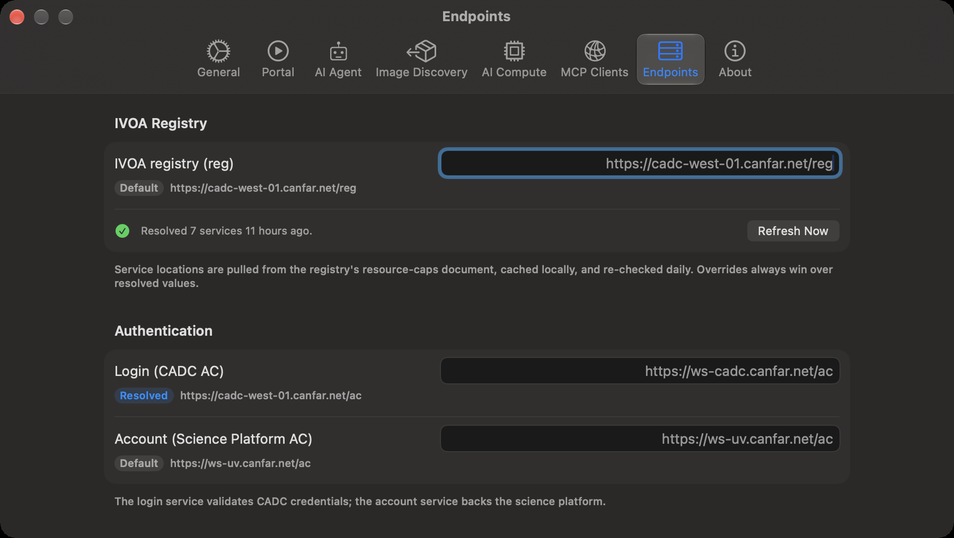
The addresses of the CADC and CANFAR services Verbinal talks to. You rarely need to change them.
| Setting | What it does |
|---|---|
| IVOA Registry ▸ IVOA registry (reg) | Where Verbinal looks up the other services. It checks again every day; Refresh Now does it now, and the line below says how many services it found, and when. |
| Authentication | Login (CADC AC) and Account (Science Platform AC): signing in, and your platform account. |
| Science Platform | Science Platform (Skaha), which runs sessions and jobs, and Storage (VOSpace nodes). |
| Archive & Data | Archive (TAP / DataLink), for search, metadata and downloads, and External web (browser). |
| Reset All to Defaults | Removes every address you typed. |
| Test Connections | Asks each service whether it is available, and how fast it answers. |
Each address shows where its value comes from: Default, Resolved (from the registry), or the one you typed, which always wins; Clear override removes yours. Addresses apply when Verbinal starts: after a change, Restart required offers Restart Now.
About
Verbinal's version, and Features…, which opens What Verbinal Can Do.